Private, portable, and truly yours.
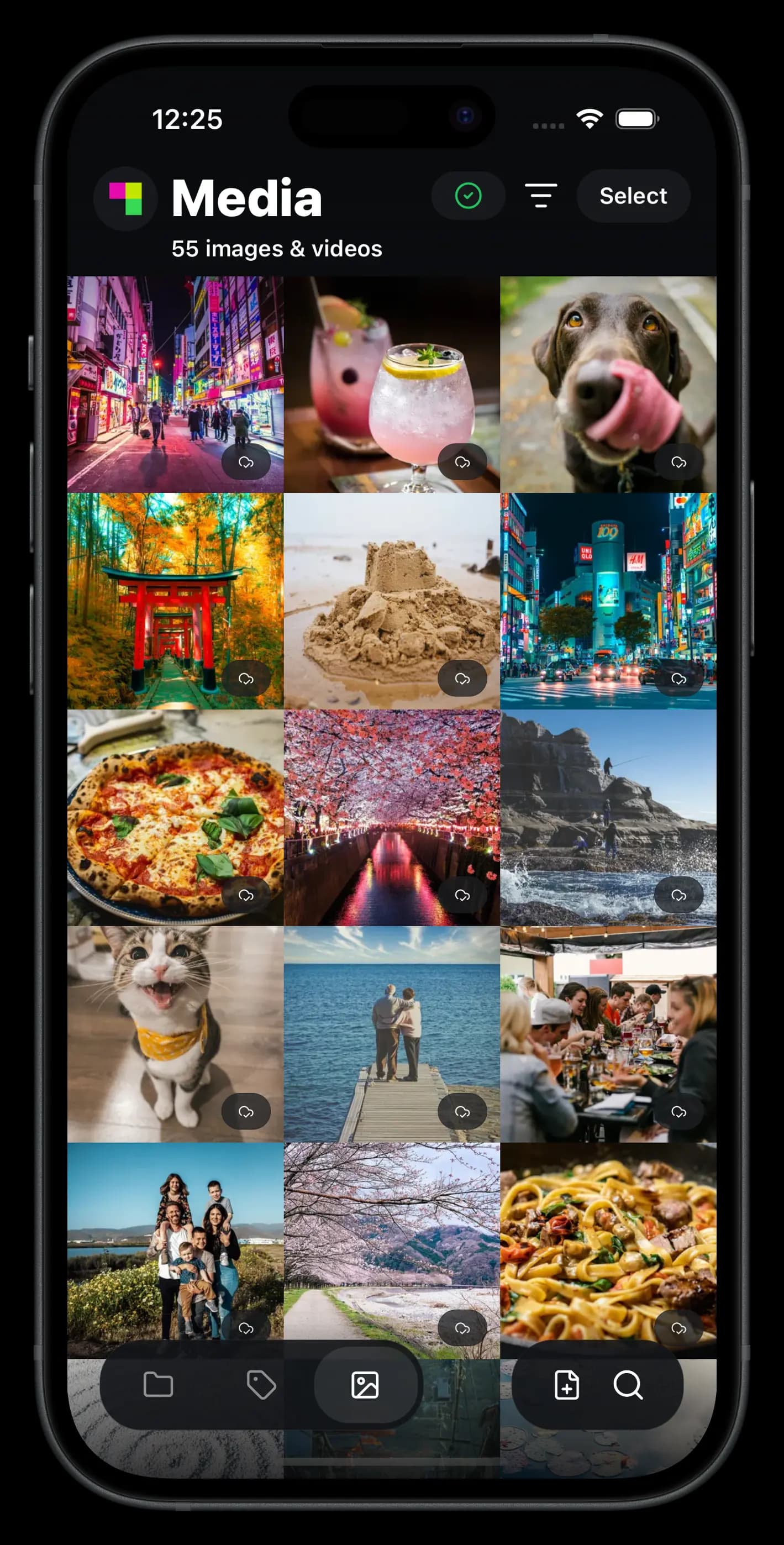
Encrypted on your device and open source. The Sia Storage App works with any Sia indexer, so you can take your data anywhere and never get locked in.




Questions and answers
What is my recovery phrase?#
The 12 words you got when you set up the app. They are the key to your files. Your device uses them to encrypt and unlock everything you store, and to identify you to your indexer.
What happens if I lose my recovery phrase?#
Your recovery phrase is only stored with you, so no one can recover it for you, including us. Without it you can't unlock your files on a new device.
Write it down on paper and keep it somewhere safe, with a second copy in another place. Never share it. No one from Sia will ever ask you for it.
Can I use the app on more than one device?#
Yes. Enter your recovery phrase on each device and your library stays in sync across all of them. If you lose a device, your files are still safe. Enter your phrase on a new one to get them back.
Who can see my files?#
Only you. Files are encrypted on your device before they are uploaded. The storage providers that hold them only ever see encrypted pieces, and your indexer only knows where the pieces are stored, not what they contain.
What happens if a storage provider goes offline?#
Nothing you'll notice. Each file is split into 30 pieces stored with independent providers around the world, and any 10 of them are enough to get the file back. Up to 20 providers can go offline without your file becoming unavailable.
What is an indexer, and can I use a different one?#
An indexer connects you to the Sia network. It finds storage providers, tracks where your pieces are stored, and keeps your devices in sync. Your data never passes through it.
Sia Storage runs an indexer, but the software is open source and anyone can run one. To use a different one, open the app's menu, choose Switch indexers, and sign in with the same recovery phrase.
Can the app back up my photos automatically?#
Yes. In the app's menu, under Photos, turn on Import new photos to upload new photos as you take them. Import photo library uploads every photo and video already on your device.
How much storage do I get?#
Every Sia Storage account starts with 50GB free. If you need more, see the plans.
Where are my trashed files, and how do I delete them for good?#
Moving a file to trash hides it from your library right away. The app doesn't have a Trash view yet, so you can't browse trashed files or empty the trash by hand.
Trashed files are deleted permanently 30 days after you trash them, and the storage they used is freed the next time the app runs and syncs. Until then they still count toward your storage. Deleting a folder moves the files inside it to trash in the same way.
How do I delete my account?#
In the app's menu, choose Delete account. It opens the Sia Storage website, where you sign in and permanently delete your account and everything stored with it.
Signing out of the app with Clear local data and sign out clears this device and keeps your account. Files that haven't finished uploading are lost. Everything already uploaded stays stored, and you can sign back in with your recovery phrase.
Need somewhere to put it all?
Every Sia Storage account starts with 50GB free.